PDF MaxAvailable

From first read to final send.

Understand dense documents, capture evidence, explain ideas, make real changes, create polished PDFs, and share with confidence—all without bouncing between apps.

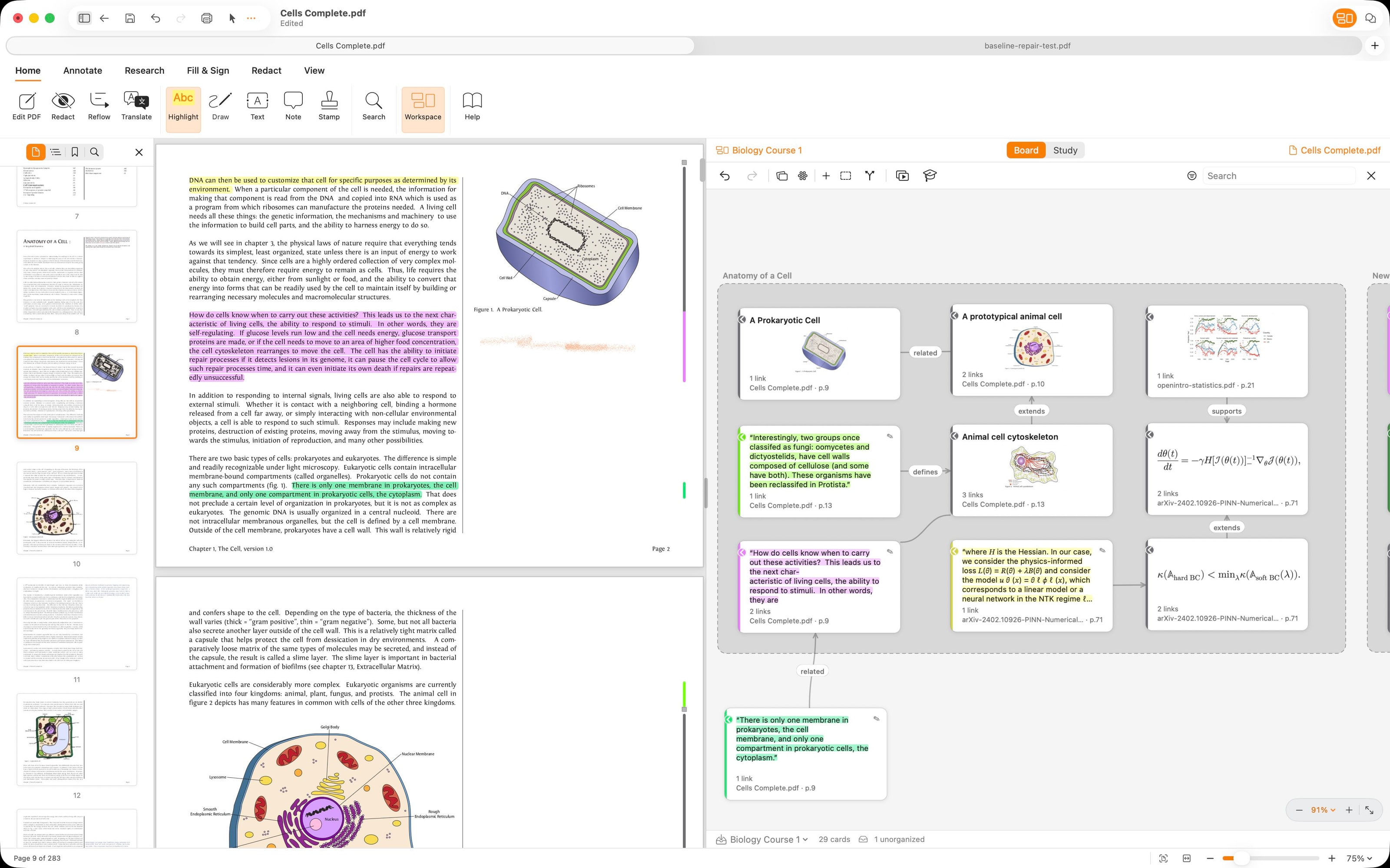
PDF Max editing a designed PDF on Mac, with page thumbnails and image editing controls visible.
4.8 ★10K+ App Store ratings
14 yearson the App Store
25M+downloads

One complete PDF workspace

Everything between opening a PDF and sending it.

PDF Max keeps the whole job together, from understanding the first page to checking the final copy.

01

Read and research

Turn difficult pages into work you can use.

Make dense, scanned, and multilingual documents easier to understand, then keep every useful finding connected to its source.

  • Reflow Reader
  • OCR and translation
  • Source-linked Workspace
02

Review and present

Keep the conversation attached to the page.

Mark up the page, leave a transcribed Voice Note, settle comments, then present the PDF or your research frames full screen.

  • Annotations and comments
  • Voice Notes with playback
  • Full-screen presenting
03

Edit and complete

Fix the file and finish the form.

Correct content, repair the outline, reorganize pages, detect form fields, and complete the signature workflow in the PDF you already have.

  • Text, image, and page editing
  • Editable outlines
  • Forms and signatures
04

Create, optimise, and protect

Make a clean PDF that is ready to move.

Scan paper, combine images, shrink large files, normalise page sizes, add or remove a password, and make a flattened delivery copy.

  • Scan and Images to PDF
  • Compress and Page Resize
  • Passwords, flattening, and redaction

Private by default

Serious PDF work, without the upload.

Confidential reports, forms, research, and contracts stay under your control. PDF Max handles key document intelligence locally across the Apple devices you already use.

  • Mac
  • iPad
  • iPhone
Compare Free, Pro & Premium

Research stays connected

Organize source-linked evidence without exporting it to another service.

Document intelligence stays local

Run OCR, translation, Voice Note transcription, and supported conversions on device.

Forms stay under review

Keep reusable answers encrypted and approve them before they reach the page.

Files finish locally

Scan, compress, resize, protect, flatten, and convert without uploading the source document.

WordPilot on macOS with the Dr. Proof panel reviewing document-wide inconsistencies, references, and unfinished details.

Also from Mobeera

A powerful editor, with document intelligence built in.

Open, edit, format, and export Word documents in a native editor—then use Dr. Proof to review the whole draft before you share.

  • A native Word-compatible editor
  • Whole-document review with Dr. Proof
  • Rewrite, summarize, and translate in place

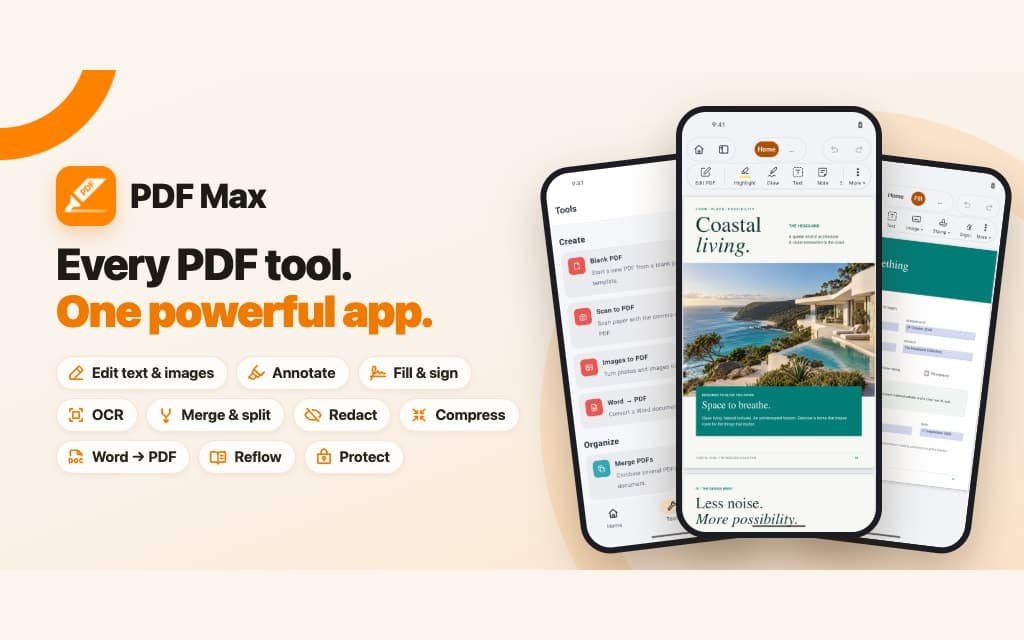
PDF Max for every Apple device

Open the PDF. Finish the job.

Read, research, review, present, edit, create, optimise, protect, and deliver from one familiar workspace on Mac, iPad, and iPhone.